Why We No Longer Start New Projects on WordPress (and Why It Still Matters)
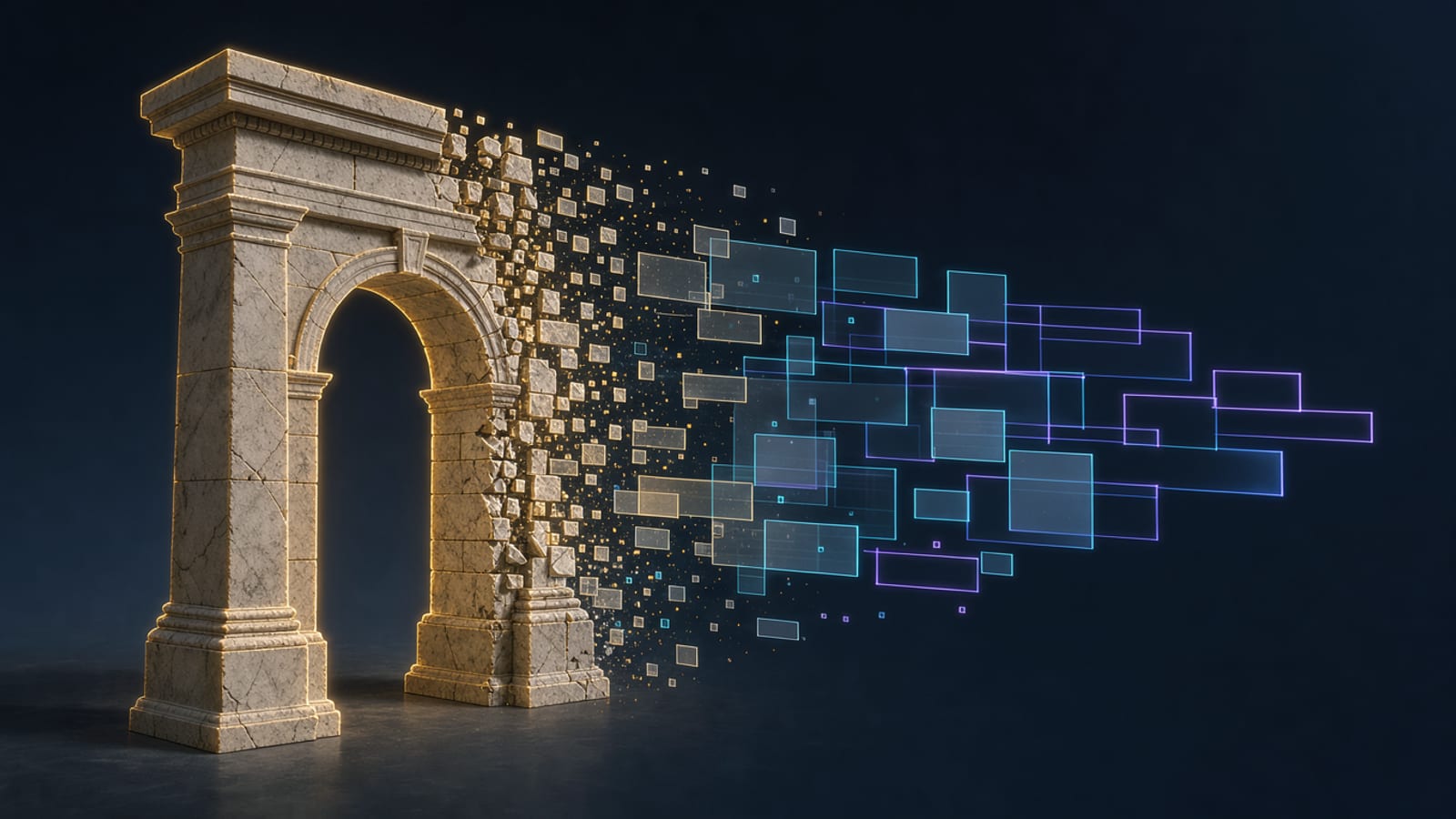
Let’s be clear from the start: WordPress is not a mistake. It is one of the most important pieces of software on the web — powering over 40% of all websites and giving millions of people a way to publish without a computer‑science degree. This is not a hit piece. It is an honest explanation of why, when we start a new project in 2026, we reach for a modern, edge‑native stack instead.
We even kept a WordPress theme of our own and modernized it — because the era deserves a proper send‑off, not a burial.
In short
- WordPress is a milestone, but a monolithic PHP CMS.
- For new builds, a modern edge stack (static/SSR + a global CDN + an open backend) usually wins on speed, security and total cost.
- WordPress’s model — plugins, themes, a runtime PHP server — carries a large security and maintenance surface.
- We still recommend WordPress when it fits: a big editorial team already on it, mature plugin needs, or an existing site worth improving.
What WordPress got right (genuinely)
It would be dishonest to skip this.
- Publishing for everyone. Before WordPress, “a website” meant a developer. WordPress turned it into a login screen.
- The ecosystem. Tens of thousands of plugins mean almost any feature exists off the shelf — memberships, shops, forms, multi‑language.
- Content editing that non‑technical people understand. The block editor and the admin are familiar to whole industries.
- A genuine community. Two decades of documentation, agencies, hosting and shared knowledge.
Those are real achievements. The problem is not what WordPress did — it is how the web has moved on around it.
Where WordPress strains on new projects
1. Performance is a fight, not a default
A WordPress site is dynamically assembled by PHP on every request, then patched by plugins. To get it fast you add page caching, object caching (Redis), a CDN, image optimization, and a query‑cache plugin — a stack of workarounds around a slow core. A modern edge stack is fast by architecture.
2. Security is a moving target
Because the platform is popular, it is the most attacked software on the web. Every plugin is an extra door: an outdated form plugin or a nulled theme is all it takes. Staying safe means constant updates and vigilance — permanent overhead. A fresh illustration of that moving target: the October 2026 PHP runtime vulnerabilities (CVE‑2026‑109618 and CVE‑2026‑109619) put unpatched servers worldwide at risk — see why our sites don’t get hacked like PHP servers do.
3. Maintenance never ends
Core updates, plugin updates, PHP version bumps, theme compatibility. Skip a few months and you inherit a migration project. On modern stacks, the “maintenance” is often just a dependency bump you control.
4. The front‑end tooling lags
WordPress themes historically leaned on jQuery and hand‑written CSS, or (worse) an in‑browser CSS compiler. Modern projects expect a real asset pipeline. We proved this is fixable — we rebuilt our own theme’s styling on a prebuilt UnoCSS pipeline — but you are still bending a CMS toward a job it wasn’t designed for.
5. The total cost is higher than the invoice
Hosting + a cache layer + a security/monitoring plugin stack + ongoing maintenance hours. The licence is free; the ownership is not.
What we build on instead
For new products — marketing sites, SaaS front‑ends, e‑commerce, games — we go edge‑first and open:
- Cloudflare — global edge compute, CDN, DDoS protection and storage. The site answers from the city nearest each visitor.
- Supabase — an open‑source PostgreSQL backend with auth, storage and realtime, so you own your data.
- Astro — ships zero JavaScript unless a component actually needs it.
The result is a site that is fast by default, cheap to run, hard to take down, and portable — no lock‑in.
Headless: keep the editor, drop the lock‑in
There is a middle path that keeps what teams love about WordPress — the familiar admin, the roles and editorial workflow — while dropping the slow, server‑rendered front‑end. It’s called headless: the CMS (WordPress, Payload, Sanity, Strapi…) becomes a content API, and a modern front‑end fetches the content at build time and serves it from the edge.
The result is the best of both worlds: editors keep the interface they know, permissions and roles stay intact, and the public site gains the speed and security of a static, edge‑native page. We cover the whole spectrum — Payload, Sanity, Strapi and headless WordPress — on our headless CMS hub.
And yes: if you already run WordPress and don’t want a big‑bang migration, headless is the pragmatic bridge. Keep the admin, move the front‑end at your own pace.
With respect: our farewell WordPress theme
To make the point without posturing, we took one of our old WordPress + WooCommerce themes and gave it a real, production‑grade asset pipeline. It swaps the in‑browser CSS CDN for a prebuilt UnoCSS stylesheet, keeps the WordPress Customizer live, and stays honest to the classic theme structure. That is what “modern” actually looks like when WordPress is the right call.
When WordPress is still the right call
We are not dogmatic. Reach for WordPress when:
- You already run a content‑heavy editorial site and your team lives in the admin.
- You depend on a specific mature plugin (a particular membership or community system) that would cost a fortune to rebuild.
- You operate on a tight budget with cheap shared hosting and no performance‑critical goals.
- You have an existing WordPress site worth improving — modernizing it can be cheaper than replacing it.
For those cases, a properly modernized theme — with a real asset pipeline instead of a CSS CDN — is a decent starting point.
The honest conclusion
WordPress is not obsolete; it is situational. It was the right answer for a huge part of the web’s history, and it still is for a slice of it. But when we start something new in 2026, we want edge speed, a small security surface and full ownership of the code — and that is exactly what a modern stack delivers.
Read more on our approach hub, or see how we build fast, open sites in web development.