Headless CMS: keeping the editor you know, shipping the speed you want
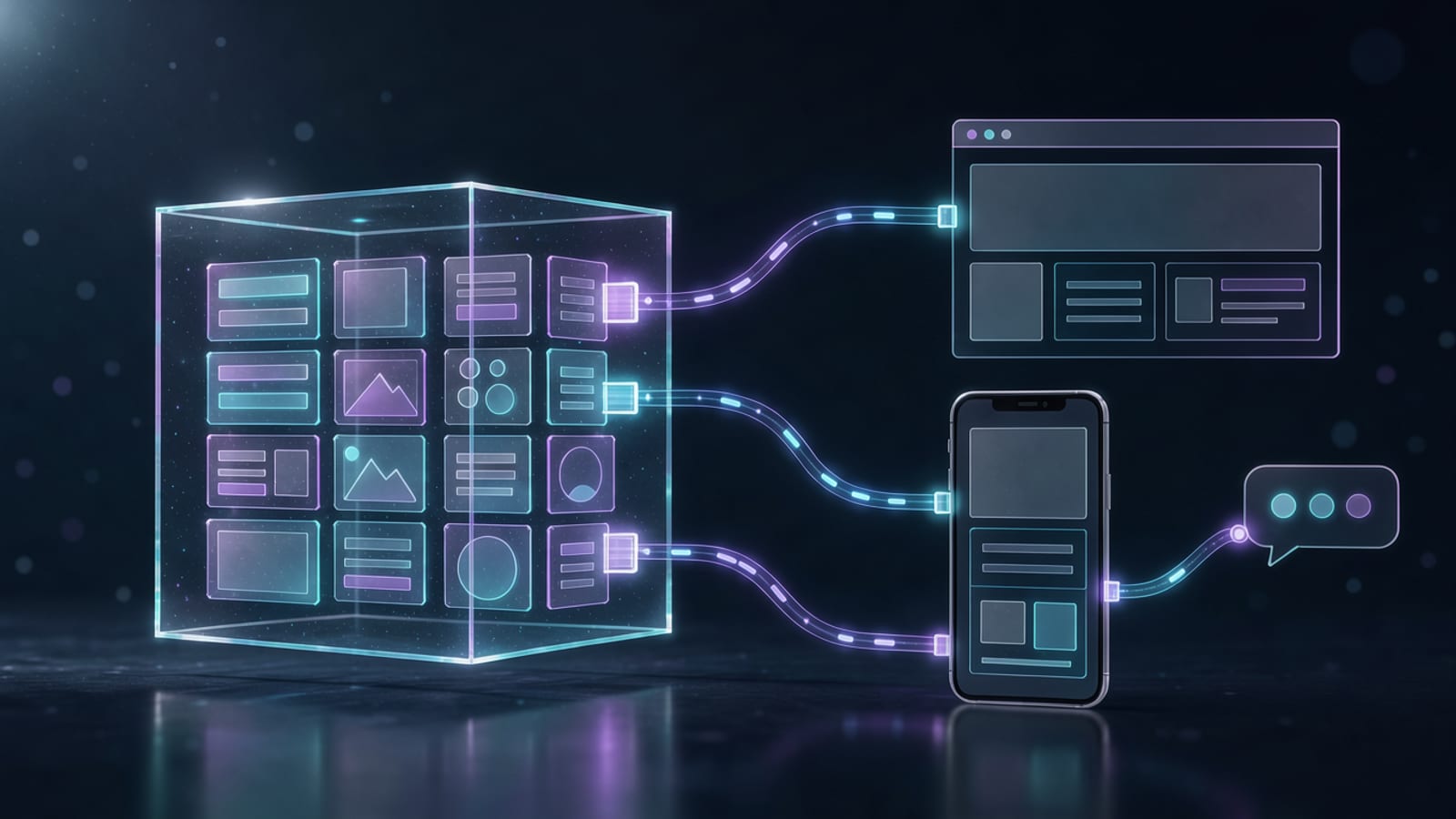
There is a version of “modern” that throws out everything people already know. That is rarely the right move. Headless is the opposite: it keeps the editing experience teams rely on and replaces only the part that was holding them back — the front‑end.
In short
- A headless CMS manages content and exposes it through an API; it does not render the site.
- This decouples content from presentation, so the front‑end can be rebuilt without a migration.
- Options range from Payload and Sanity to headless WordPress.
- Headless WordPress keeps the familiar admin, the roles and the workflows — and adds the speed and security of a static front‑end.
- The result: editors stay comfortable, the site gets fast, and neither team blocks the other.
See the full capability list on our headless CMS hub.
What “headless” really means
In a classic CMS like WordPress, content and theme are fused: the same PHP process fetches your post and renders the HTML around it. Change the design and you risk the content; change the content model and you risk the theme.
A headless CMS breaks that link. It becomes a content service:
- Store structured content (posts, products, pages).
- Expose it over REST or GraphQL.
- Let any front‑end consume it — a website, an app, a Telegram Mini App.
The “body” (the CMS) and the “head” (the front‑end) are separate. That is the whole idea.
Why we decouple content from presentation
- Rebuild without migrating. A new design or framework is a front‑end project, not a content migration.
- Speed by architecture. The front‑end can be prerendered and served from the edge, so it stays fast no matter how big the content grows.
- Multiple channels, one source. The same content feeds the site, an app and a mini app.
- Smaller blast radius. A broken front‑end deploy never corrupts the content, and vice‑versa.
The headless options we use
- Payload — TypeScript‑first and self‑hosted; it lives inside your codebase, which developers love.
- Sanity — hosted, real‑time, with an excellent structured editor.
- Strapi / Directus — pragmatic open‑source choices when a REST/GraphQL API over SQL is enough.
- Headless WordPress — the bridge for teams who already live in WordPress.
Headless WordPress: keeping what works
This is the interesting one, and the reason we wrote it up with respect rather than disdain.
Headless WordPress keeps the WordPress admin exactly as it is — the familiar dashboard, the roles and capabilities (administrator, editor, author, contributor), the media library, the plugins your team depends on. You simply stop using WordPress to render the site. Instead:
- WordPress becomes the content API (core REST API or WPGraphQL).
- A modern front‑end (for us, Astro) fetches the content at build time and prerenders it.
- The result is served from an edge CDN.
What you get:
- The interface stays familiar — no retraining, no editor revolt.
- Roles and editorial workflow are preserved — who can publish, who can review.
- You gain the benefits of a static site — instant loads, tiny attack surface on the front‑end, and hosting that costs almost nothing.
- You gain a migration path — the front‑end is now your own code, so you can move off WordPress on your own schedule, not under pressure.
In short: headless WordPress lets a team keep the tool it knows and get the performance of a modern, static, edge‑native stack. We explain why we stopped starting new projects on WordPress in a separate, respectful piece — headless is exactly the “with respect” part of that story.
When headless is not worth it
Headless adds a build step and a front‑end to maintain. If you have a small, simple site with one channel and no performance goals, a classic theme may be the pragmatic choice. Headless earns its keep when you have real content operations, multiple channels, or a hard performance requirement.
Summary
Headless is not “anti‑CMS” — it is pro‑CMS, minus the coupling. Keep the editor your team knows, keep the roles, and give the front‑end the freedom to be fast. That is how you modernize without a revolution.
Explore the headless CMS hub, or see how we make fast front‑ends in web development.